Export your
Perplexity threads
in one click
Save full threads or selected answers as Word, PDF, Google Docs, Notion, or Markdown — sources and citations preserved.
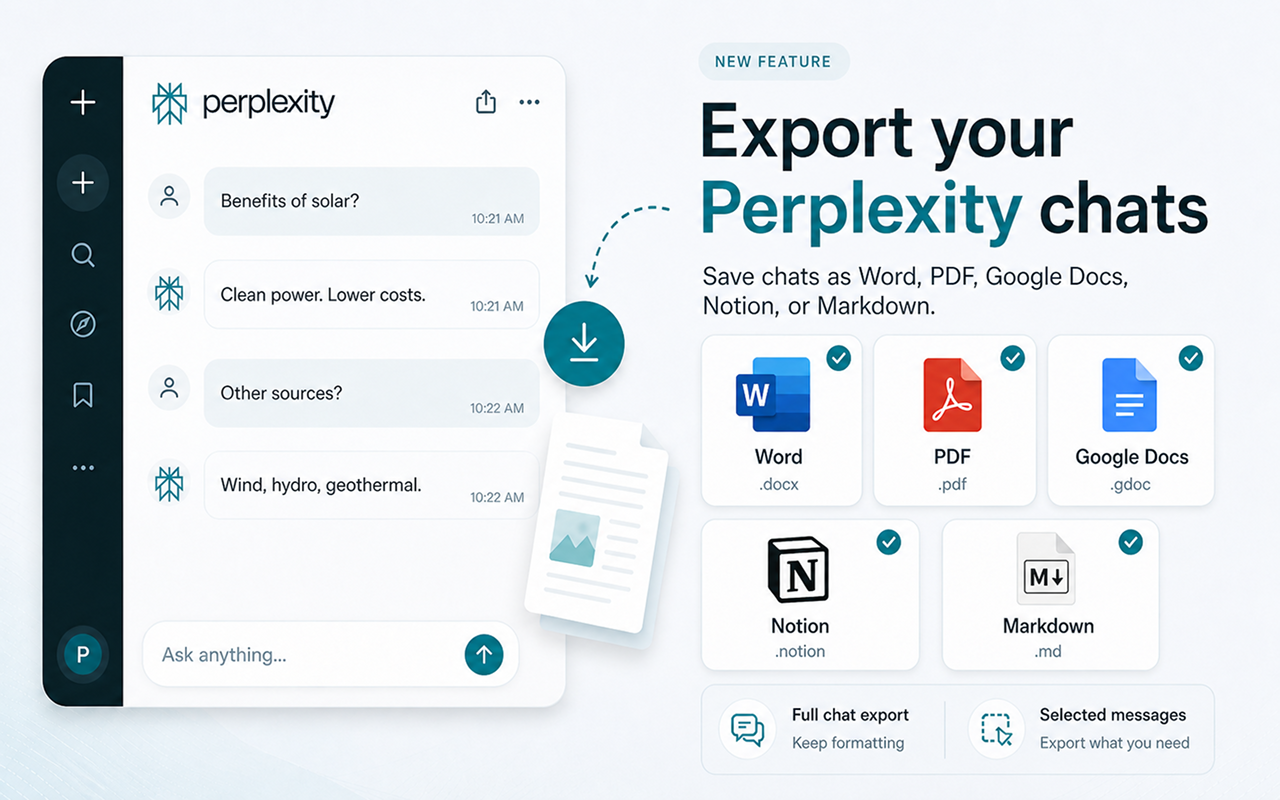
सभी प्रमुख फॉर्मैट का समर्थन
Everything you need to save your threads
शक्तिशाली एक्सपोर्ट उपकरण सीधे Perplexity के इंटरफ़ेस में निर्मित।
Full Thread Export
Export your entire Perplexity thread with perfect formatting — answers, follow-ups, code blocks, and lists all preserved.
Sources & Citations
Every citation, link, and source Perplexity references is exported with the answer — so your document is as well-cited as the original.
शैली अनुकूलित करें
एक्सपोर्ट करने से पहले उन्नत सेटिंग्स पैनल के माध्यम से फ़ॉन्ट, रंग, शीर्षक आकार, टेक्स्ट संरेखण और अधिक समायोजित करें।
एक-क्लिक एक्सपोर्ट
Six export buttons appear right inside Perplexity. Click once and your thread is saved instantly — no extra steps needed.
कुछ ही सेकंड में तैयार
Three simple steps to export any Perplexity thread.
एक्सटेंशन इंस्टॉल करें
Web Store से Chrome में Chat Exporter for Perplexity जोड़ें।
Open any Perplexity thread
Navigate to perplexity.ai and open the thread you want to export. The export buttons appear automatically.
एक्सपोर्ट के लिए क्लिक
Choose Word, PDF, Google Docs, Notion, or Markdown. Your thread is saved instantly with sources and formatting intact.
छह फॉर्मैट। हर बार सही परिणाम।
Your Perplexity threads, beautifully formatted exactly where you need them.
Microsoft Word के रूप में एक्सपोर्ट करें
Your Perplexity thread becomes a professionally formatted .docx file. Answers, sources, citations, and code blocks are all preserved — ready to edit, share, or print.
- ✓ पूरी फॉर्मैटिंग सुरक्षित
- ✓ Sources & citations included
- ✓ संपादन योग्य .docx फ़ाइल
- ✓ तत्काल डाउनलोड
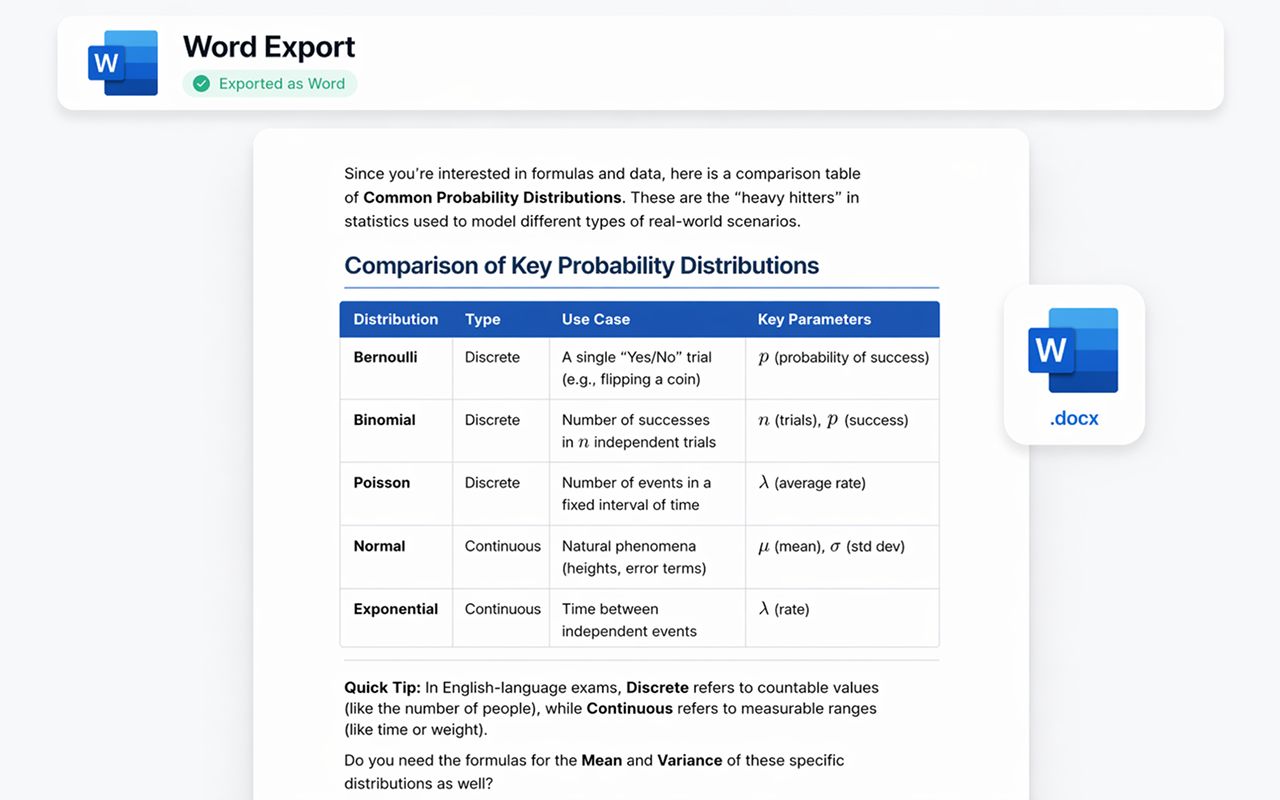
PDF के रूप में एक्सपोर्ट करें
Generate a pixel-perfect .pdf ready for sharing, printing, or archiving. The layout, citations, and formatting stay exactly as you see them in Perplexity — no surprises.
- ✓ प्रिंट-रेडी गुणवत्ता
- ✓ वफादार लेआउट
- ✓ मल्टी-पेज समर्थन
- ✓ तत्काल डाउनलोड
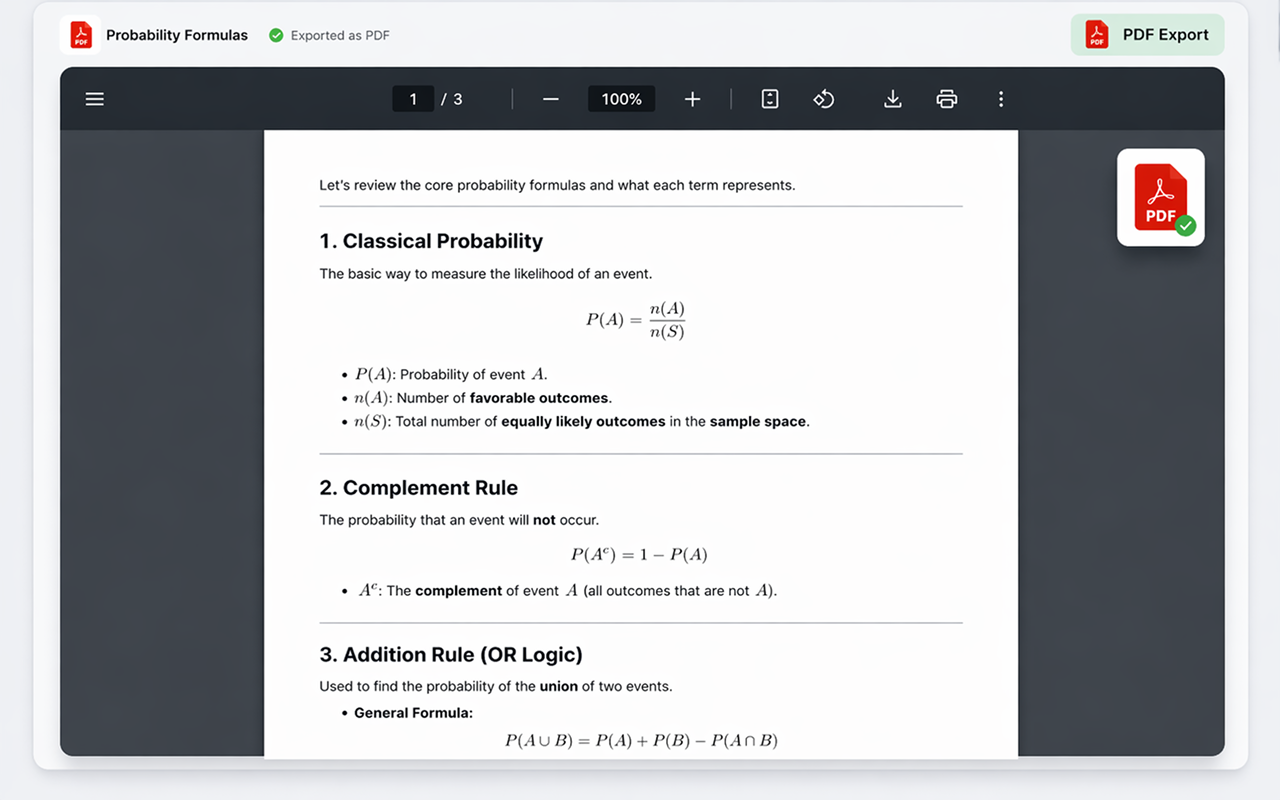
Google Docs में एक्सपोर्ट करें
Send your Perplexity thread straight to Google Drive as a collaborative document. Perfect for teams, students, or anyone living in the Google ecosystem.
- ✓ Google Drive में सहेजा गया
- ✓ पूरी तरह से संपादन योग्य
- ✓ साझा करना आसान
- ✓ आपके खाते के साथ काम करता है
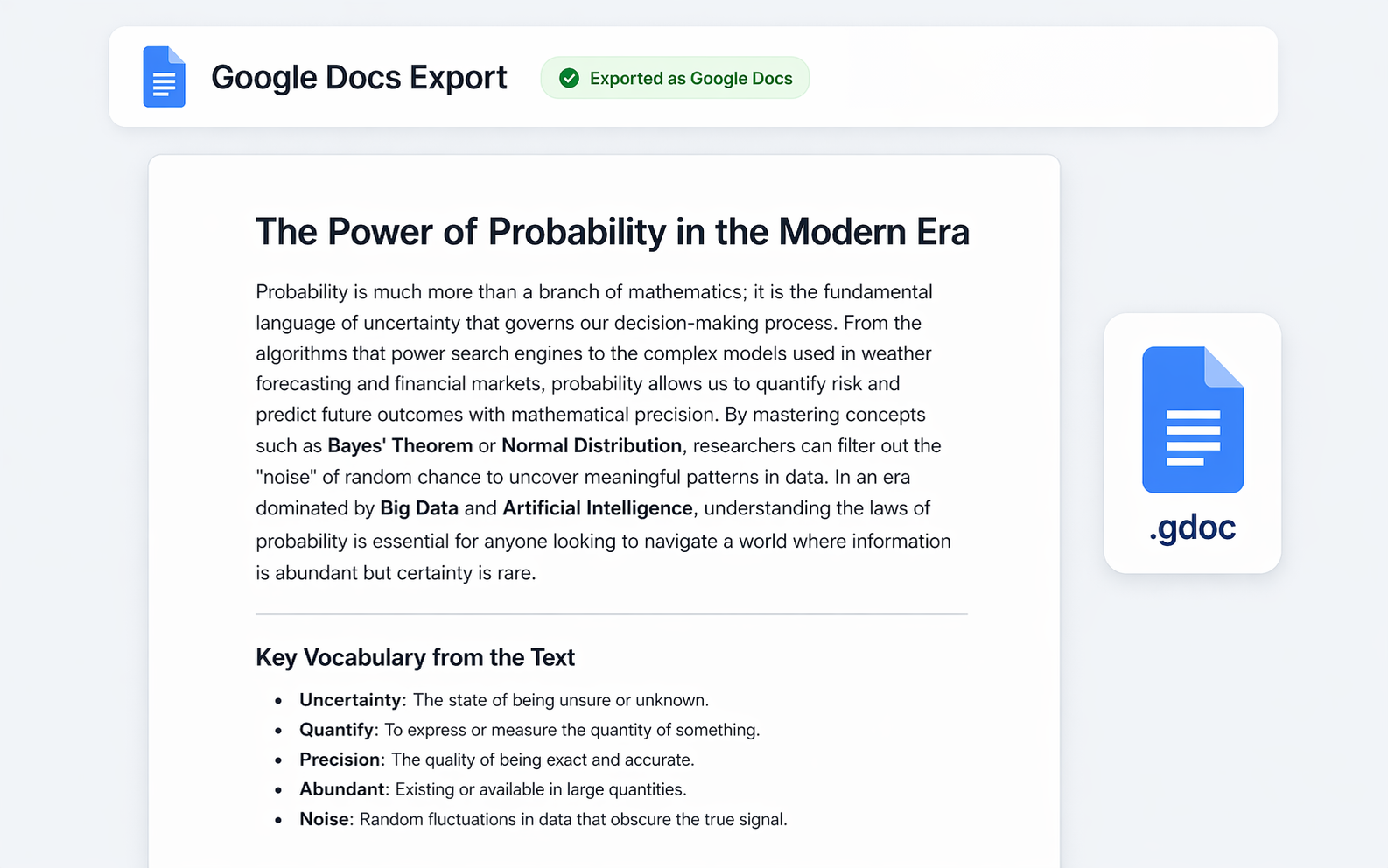
Notion में एक्सपोर्ट करें
Push your Perplexity thread directly into your Notion workspace as a new page. Headings, toggles, code blocks, and source links all become native Notion blocks.
- ✓ नेटिव Notion ब्लॉक
- ✓ Source links preserved
- ✓ लक्ष्य पेज या डेटाबेस चुनें
- ✓ एक बार कनेक्ट करें, कभी भी एक्सपोर्ट करें
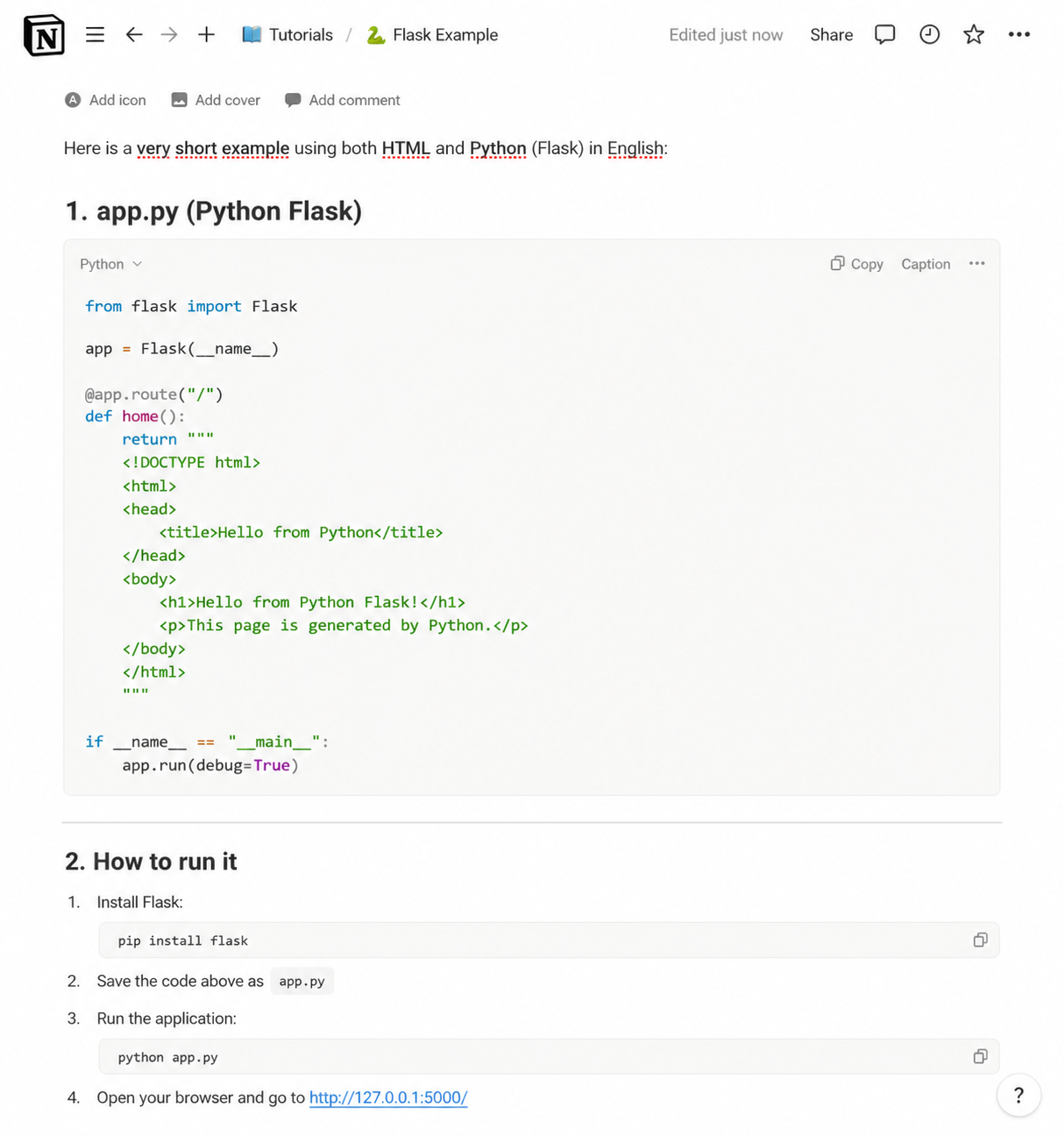
Markdown के रूप में एक्सपोर्ट करें
Get a clean .md file with all the structure intact — perfect for GitHub, Obsidian, VS Code, static-site generators, or any tool that speaks Markdown.
- ✓ साफ़, पोर्टेबल .md फ़ाइल
- ✓ फेंस्ड कोड ब्लॉक
- ✓ Citations as inline links
- ✓ क्लिपबोर्ड में कॉपी करने का विकल्प
JSON के रूप में एक्सपोर्ट करें
Download the chat as structured .json in standard API message format (role and content). Perfect for developers building datasets, data pipelines, or fine-tuning AI models.
- ✓ मानक संदेश फॉर्मैट
- ✓ Role और content सुरक्षित
- ✓ डेटासेट और पाइपलाइन के लिए बढ़िया
- ✓ फाइन-ट्यूनिंग वर्कफ़्लो के लिए तैयार
प्रत्येक एक्सपोर्ट को बारीकी से समायोजित करें
फ़ॉन्ट, टेक्स्ट आकार, शीर्षक रंग, संरेखण, और कौन से एक्सपोर्ट बटन दिखाई देते हैं, इन्हें अनुकूलित करने के लिए उन्नत सेटिंग्स पैनल का उपयोग करें। प्रत्येक एक्सपोर्ट को अपनी शैली से मिलाएँ।
एक्सटेंशन प्राप्त करें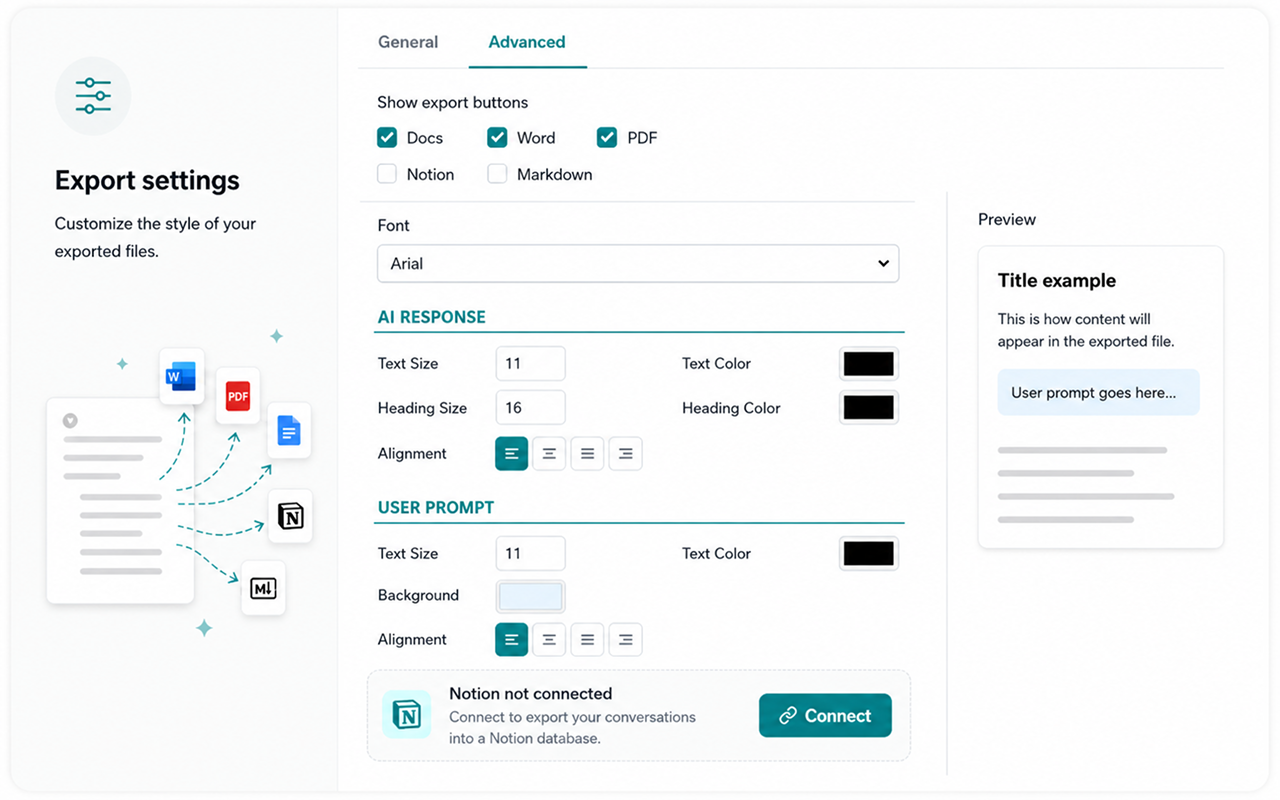
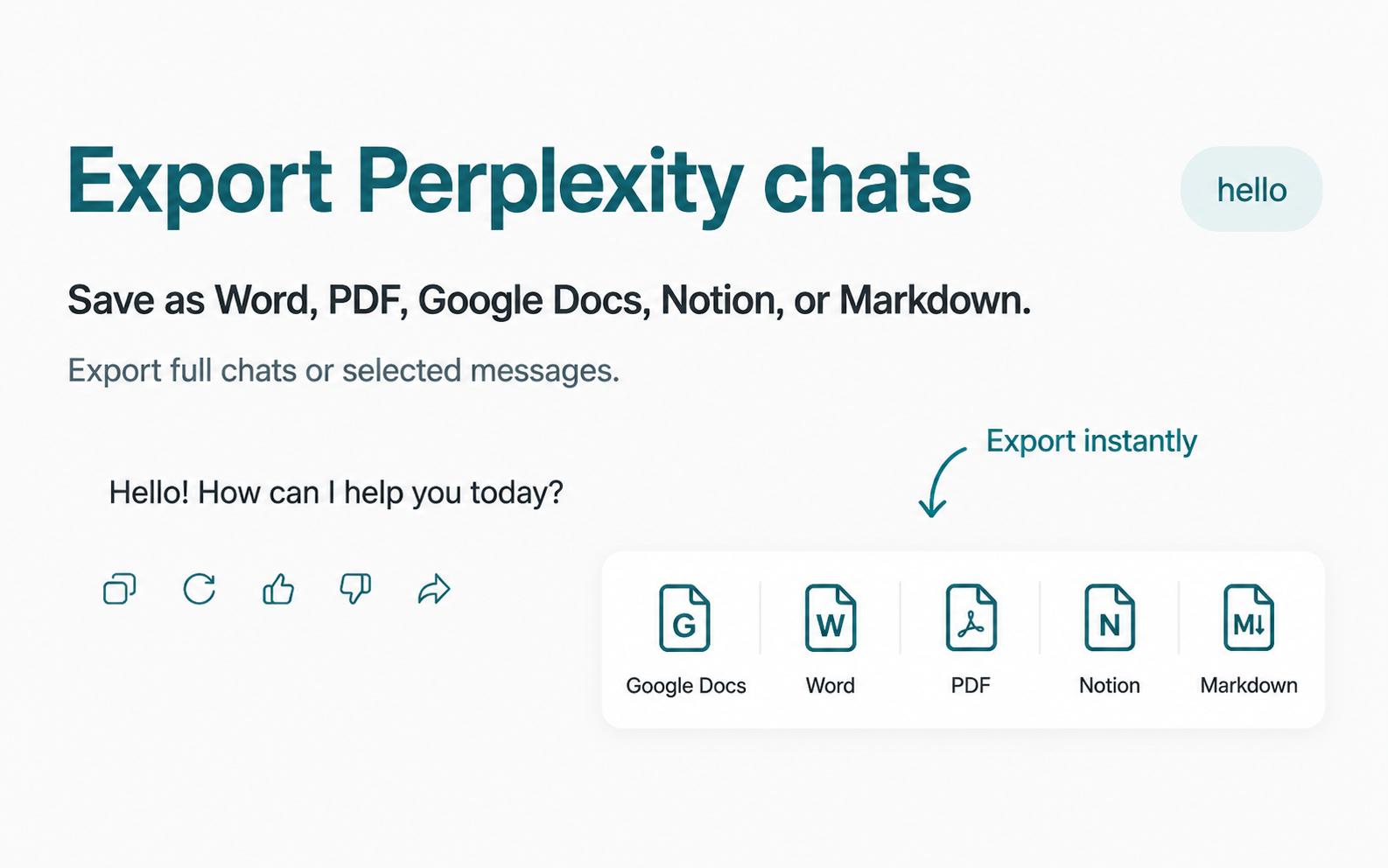
एक्सपोर्ट बटन सीधे Perplexity में दिखाई देते हैं
No need to leave the page or open extra menus. Chat Exporter for Perplexity adds subtle export buttons directly inside each Perplexity answer. Just click the format you want.
जवाब तभी काम का है जब स्रोत भी साथ आएँ
Perplexity की असली कीमत उसके उद्धरणों में है। कॉपी-पेस्ट शब्द तो ले आता है, पर वह सब छोड़ देता है जो उन्हें प्रमाणित बनाता था।
इनलाइन उद्धरण लिंक बने रहते हैं
जवाब के भीतर के क्रमांकित संदर्भ अपने मूल स्रोतों की ओर इशारा करते रहते हैं, जिससे दस्तावेज़ बिना स्रोत के दावे में बदलने के बजाय जाँचने योग्य बना रहता है।
पूरी स्रोत-सूची भी साथ आती है
Perplexity ने जिन स्रोतों को देखा, उनकी पूरी सूची ब्राउज़र टैब में छूट जाने के बजाय जवाब के साथ एक्सपोर्ट होती है।
Pro Search थ्रेड पूरे एक्सपोर्ट
कई चरणों वाले Pro Search थ्रेड एक सुसंगत दस्तावेज़ के रूप में एक्सपोर्ट होते हैं, और पूरी खोज का क्रम बना रहता है।
Spaces के अंदर भी काम करता है
किसी Space के भीतर के थ्रेड भी सामान्य सर्च की तरह ही एक्सपोर्ट होते हैं, बिना किसी अतिरिक्त सेटअप के।
आम प्रश्न
Does it work with all Perplexity threads?
Yes. The extension works on perplexity.ai and integrates with all your existing and new threads, including Pro answers and follow-up questions.
Are sources and citations preserved?
Yes. Every source link and citation Perplexity attaches to an answer is exported alongside the text — as inline links in Markdown and clickable references in Word, PDF, Docs, and Notion.
Is my data safe?
Absolutely. The extension processes everything locally in your browser. We never send your thread data to any external server.
Do I need an account for Notion or Google Docs?
Google Docs के लिए आपको एक बार अपने Google खाते से साइन इन करना होगा ताकि दस्तावेज़ आपके Drive में सहेजा जा सके। Notion के लिए आप एक बार अपने Notion वर्कस्पेस को कनेक्ट करेंगे। Word, PDF, और Markdown एक्सपोर्ट के लिए साइन इन की आवश्यकता नहीं है।
Can I export only part of a thread?
Yes. You can export the full thread or pick a specific answer — perfect for saving the one Perplexity reply that actually answered your question.
क्या Perplexity के उद्धरण एक्सपोर्ट में बचे रहते हैं?
हाँ। इनलाइन संदर्भ नंबर अपने स्रोतों की ओर इशारा करते रहते हैं और पूरी स्रोत-सूची भी जवाब के साथ एक्सपोर्ट होती है, इसलिए दस्तावेज़ प्रमाणित बना रहता है।
क्या मैं पूरा Pro Search थ्रेड एक्सपोर्ट कर सकता हूँ?
हाँ। कई चरणों वाला Pro Search एक ही सुसंगत दस्तावेज़ के रूप में एक्सपोर्ट होता है और खोज का क्रम बना रहता है।
क्या यह Spaces के अंदर काम करता है?
हाँ। किसी Space के भीतर के थ्रेड बिल्कुल सामान्य Perplexity सर्च की तरह एक्सपोर्ट होते हैं।
सरल, पारदर्शी मूल्य निर्धारण
निःशुल्क शुरू करें। असीमित एक्सपोर्ट की आवश्यकता होने पर ही अपग्रेड करें।
मासिक
जब उपयोग करें तभी भुगतान करें, कभी भी रद्द करें
- असीमित एक्सपोर्ट
- सभी एक्सपोर्ट फॉर्मैट
- प्राथमिकता समर्थन
3 महीने
$7.00/माह — मासिक की तुलना में 13% बचाएँ
- असीमित एक्सपोर्ट
- सभी एक्सपोर्ट फॉर्मैट
- प्राथमिकता समर्थन
6 महीने
$6.50/माह — मासिक की तुलना में 19% बचाएँ
- असीमित एक्सपोर्ट
- सभी एक्सपोर्ट फॉर्मैट
- प्राथमिकता समर्थन
वार्षिक
$5.75/माह — मासिक की तुलना में 28% बचाएँ
- असीमित एक्सपोर्ट
- सभी एक्सपोर्ट फॉर्मैट
- प्राथमिकता समर्थन
- 4 महीने निःशुल्क
Start exporting your Perplexity threads today
perplexity.ai पर तुरंत काम करता है।
Add to ChromeChrome Web Store पर उपलब्ध