
Save your
AI conversations
in one click
A family of Chrome extensions that export your Grok, Perplexity, DeepSeek, ChatGPT, Gemini, Google AI Studio, Claude, Microsoft Copilot, and NotebookLM chats as Word, PDF, Google Docs, Notion, Markdown, JSON, or TXT. Pick your AI below.
Solar vs. wind at a glance
- Solar — predictable daytime output, low maintenance
- Wind — higher capacity factor, works at night
Net present value:
def yearly_cost(kwh, rate=0.12):
    return round(kwh * rate, 2)
Nine extensions, one workflow
Choose the extension that matches the AI you use every day.
The same powerful tools across all nine
Whichever AI you choose, you get the same export experience.
Full Chat Export
Export the entire conversation with formatting preserved — headings, bold text, code blocks, lists.
Selected Messages
Pick only the messages that matter — export a single answer or a subset of the conversation.
Customize Style
Adjust fonts, colors, heading sizes, and alignment through the advanced settings before exporting.
One-Click Export
Export buttons appear directly in the AI's interface. Click once and your chat is saved instantly.
Copy-paste vs. Chat Exporter
Pasting an AI answer into a document loses most of what made it useful.
Up and running in seconds
The same three steps for every supported AI.
Pick your AI
Choose Grok, Perplexity, DeepSeek, ChatGPT, Gemini, Google AI Studio, Claude, or Microsoft Copilot from the cards above and install the matching extension.
Open any chat
Visit your AI's website and open the conversation you want to export. The export buttons appear automatically.
Click to export
Choose Word, PDF, Google Docs, Notion, Markdown, JSON, or TXT. Your chat is saved instantly with full formatting preserved.
Eight formats. Perfect output every time.
Your AI conversations, beautifully formatted exactly where you need them.
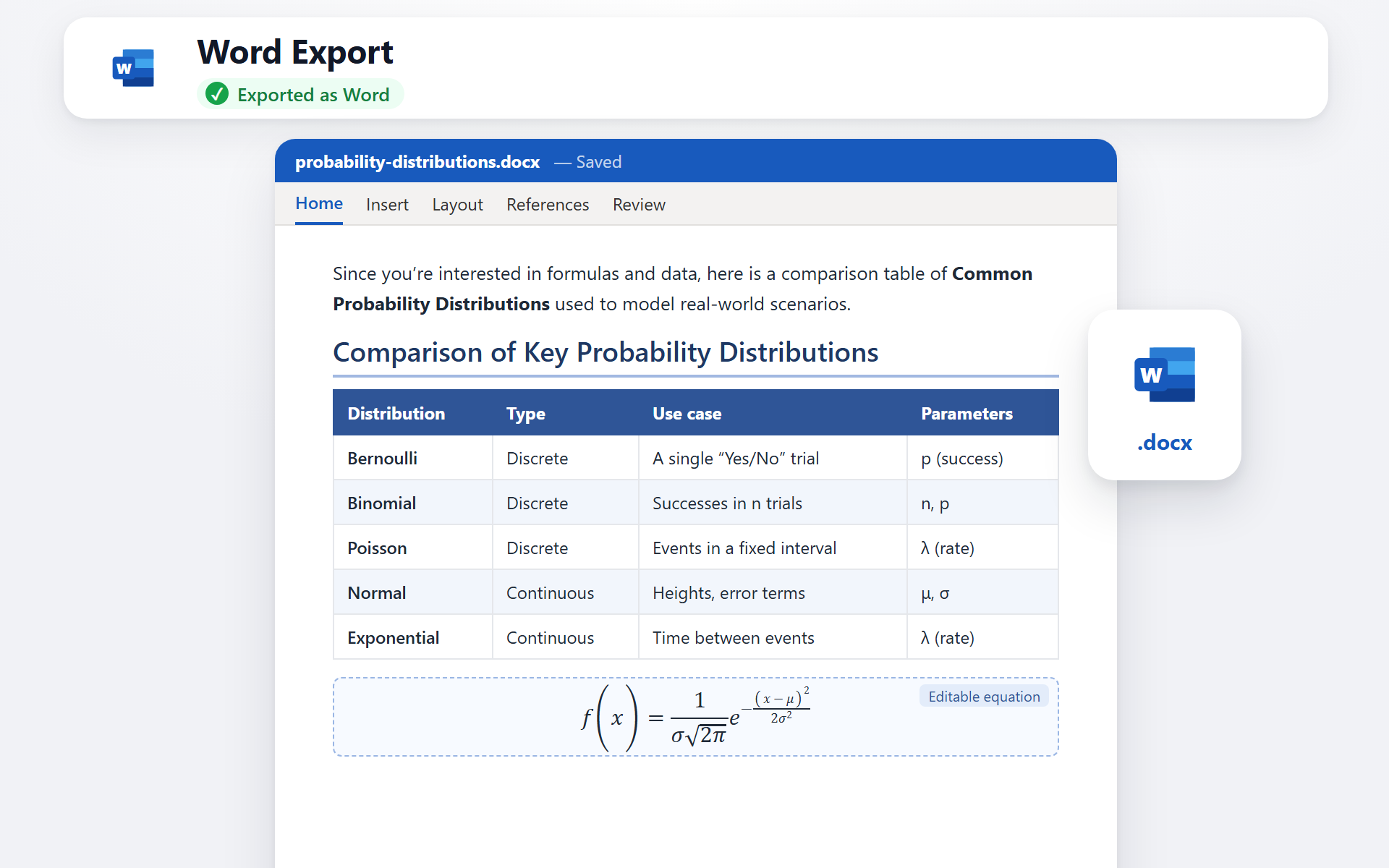
Export as Microsoft Word
Your AI conversation becomes a professionally formatted .docx file. Headings, bold text, tables, and code blocks are all preserved — ready to edit, share, or print.
- ✓ Full formatting preserved
- ✓ Editable .docx file
- ✓ Custom fonts & colors
- ✓ Instant download
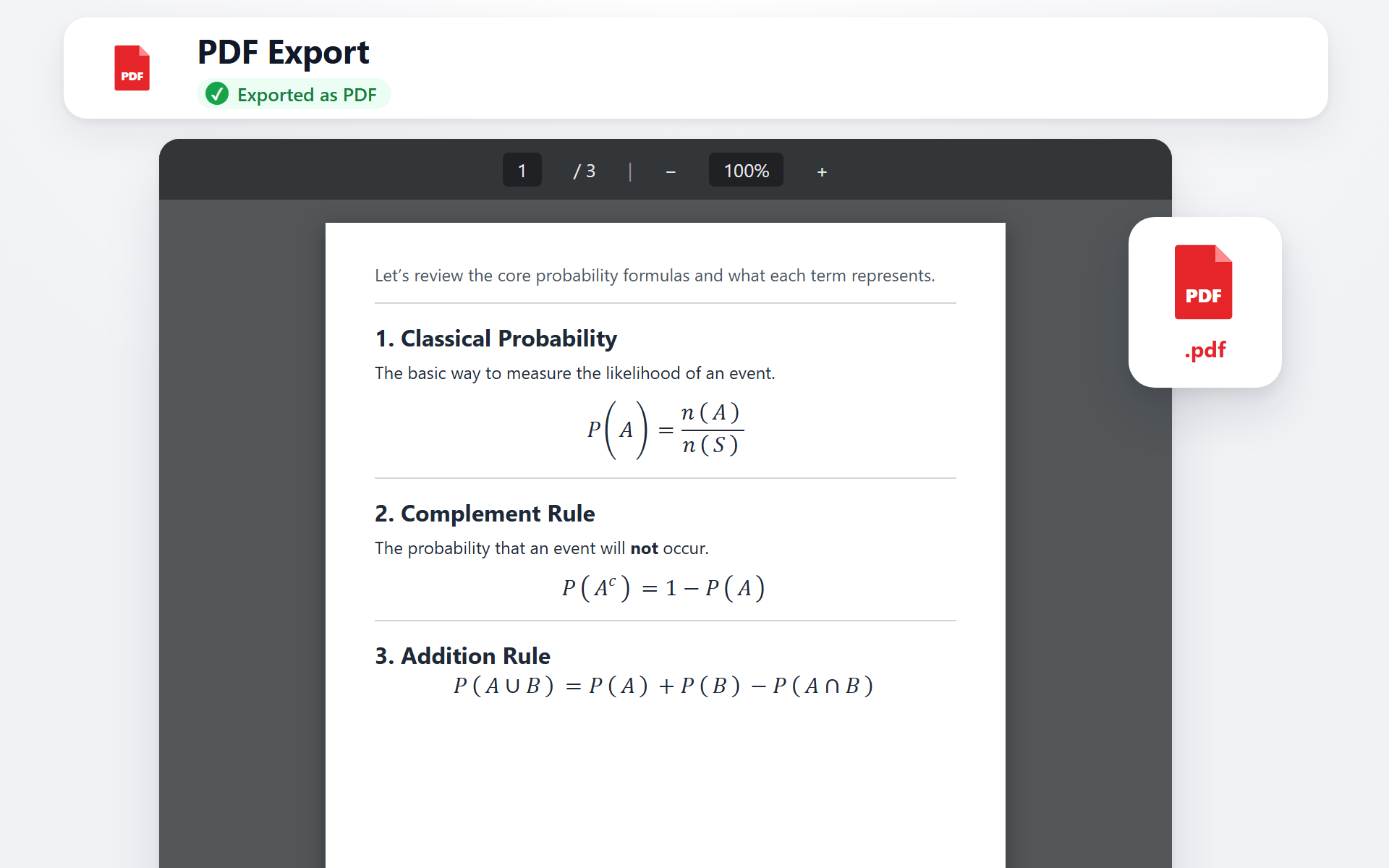
Export as PDF
Generate a pixel-perfect .pdf ready for sharing, printing, or archiving. The layout and formatting stay exactly as you see them — no surprises.
- ✓ Print-ready quality
- ✓ Faithful layout
- ✓ Multi-page support
- ✓ Instant download
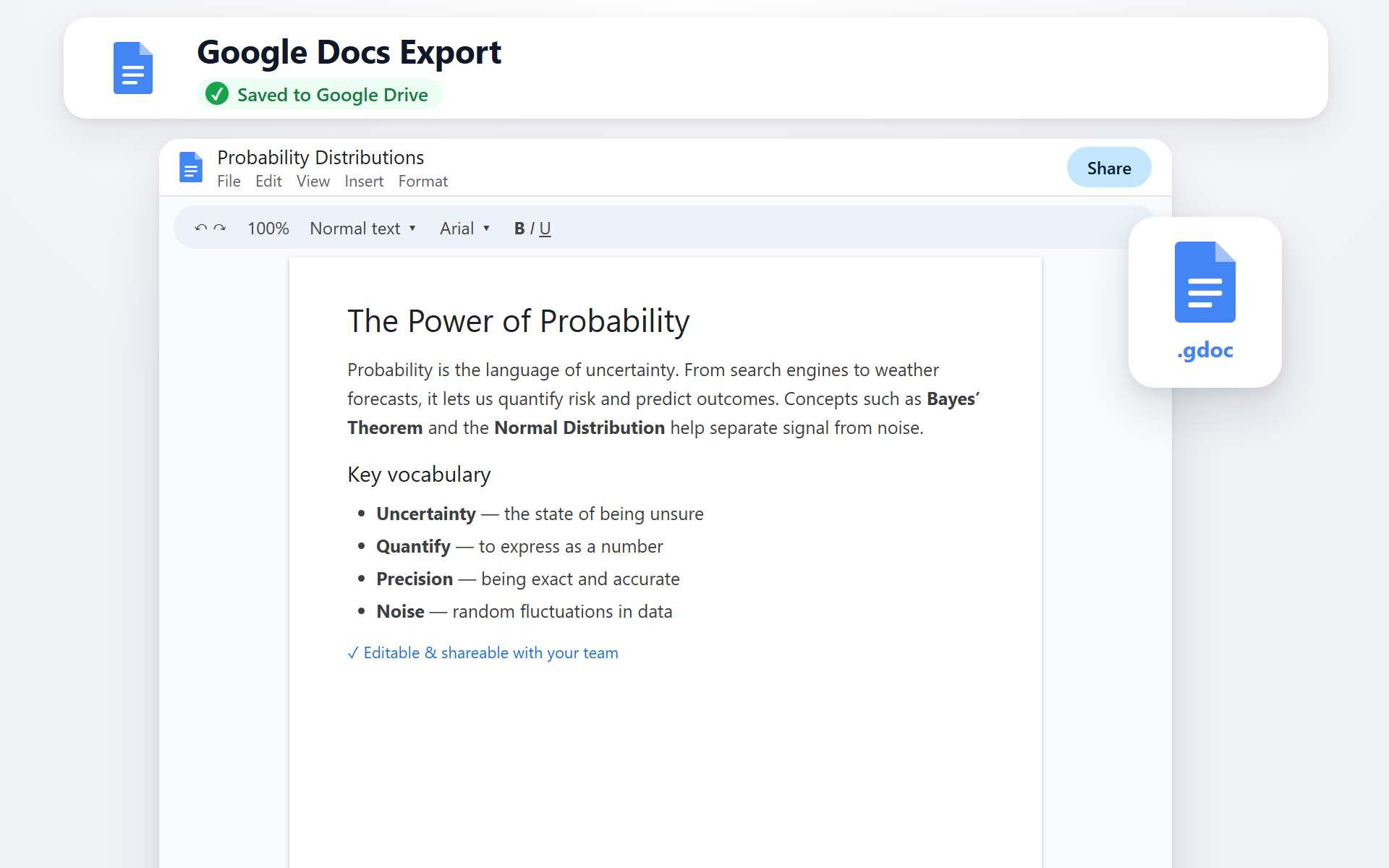
Export to Google Docs
Send your AI conversation straight to Google Drive as a collaborative document. Perfect for teams, students, or anyone living in the Google ecosystem.
- ✓ Saved to Google Drive
- ✓ Fully editable
- ✓ Easy to share
- ✓ Works with your account
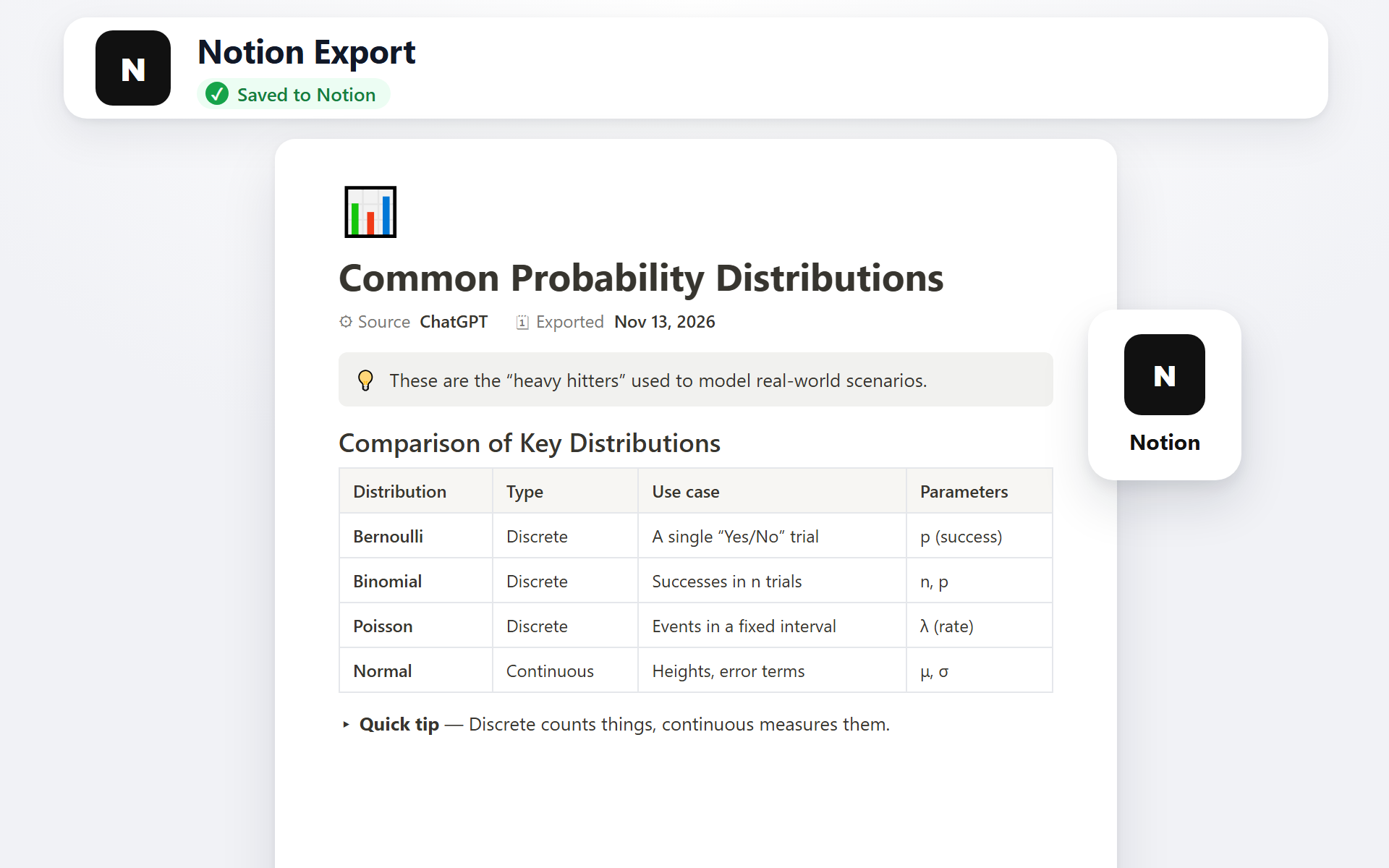
Export to Notion
Push your AI conversation directly into your Notion workspace as a new page. Headings, toggles, code blocks, and lists become native Notion blocks — ready to drop into any database or doc.
- ✓ Native Notion blocks
- ✓ Code blocks with language
- ✓ Choose target page or database
- ✓ Connect once, export anytime
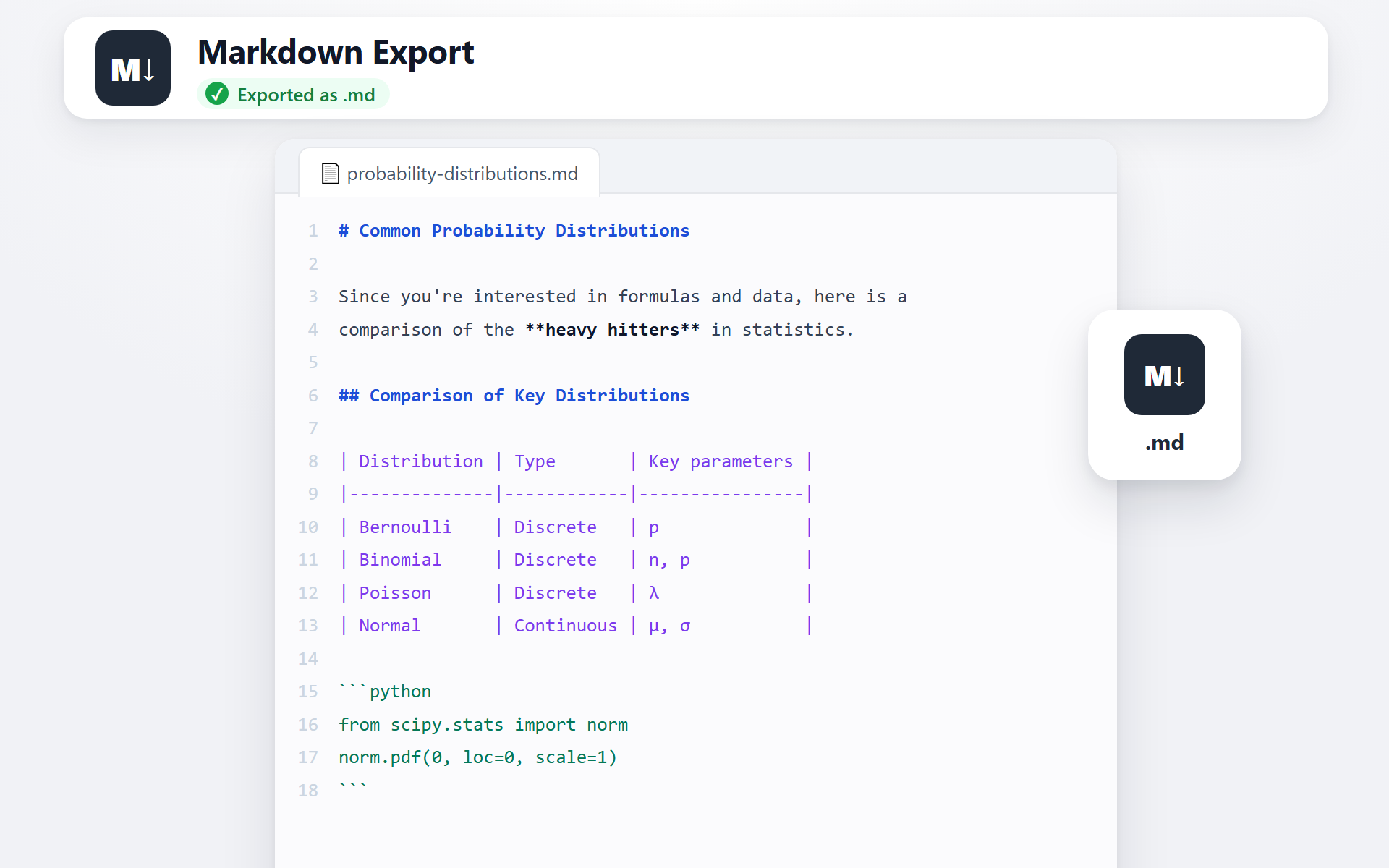
Export as Markdown
Get a clean .md file with all the structure intact — perfect for GitHub, Obsidian, VS Code, static-site generators, or any tool that speaks Markdown.
- ✓ Clean, portable .md file
- ✓ Fenced code blocks
- ✓ Works with Obsidian, GitHub, etc.
- ✓ Tables kept as Markdown tables
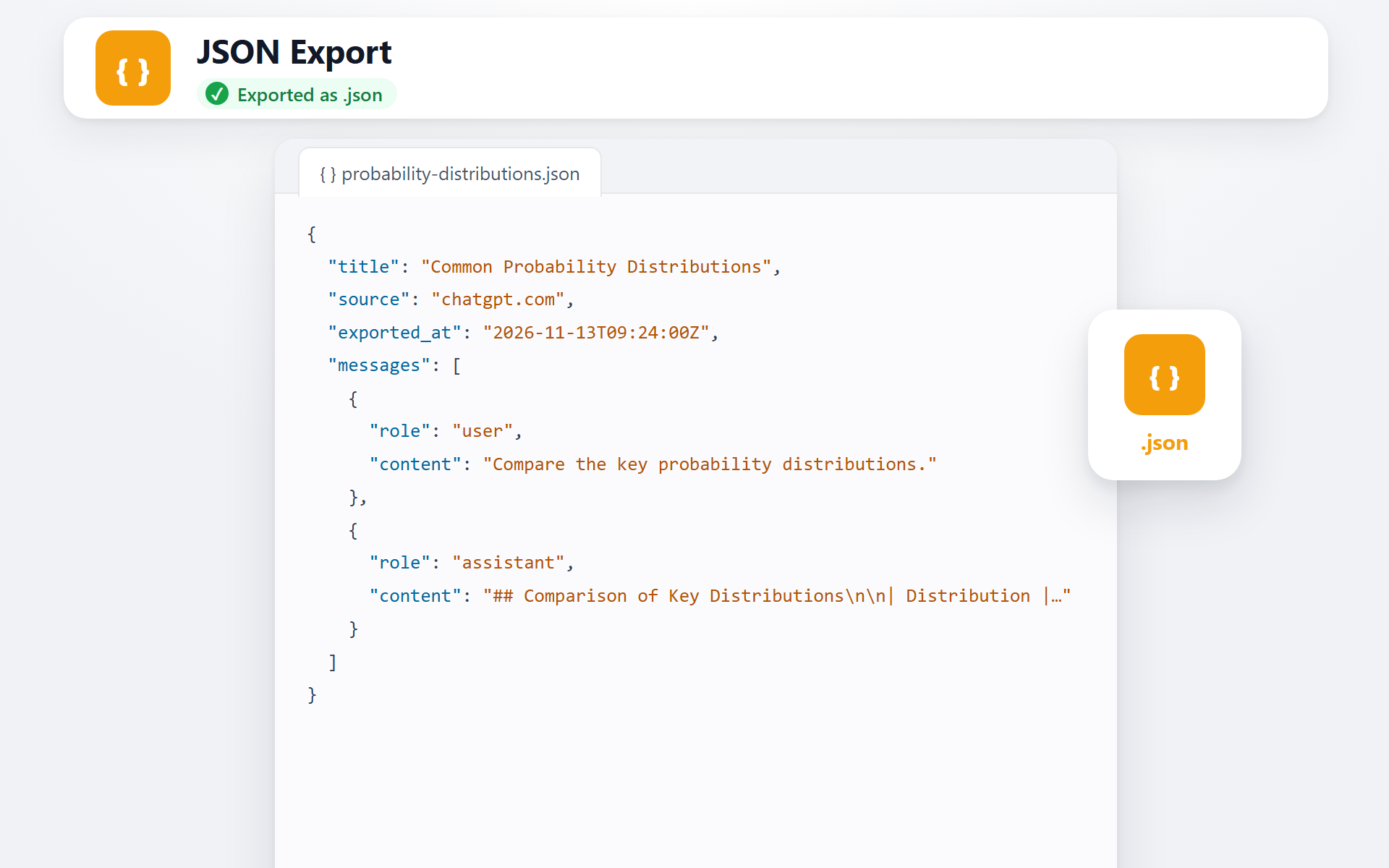
Export as JSON
Download the chat as structured .json in standard API message format (role and content). Perfect for developers building datasets, data pipelines, or fine-tuning AI models.
- ✓ Standard message format
- ✓ Role & content preserved
- ✓ Great for datasets & pipelines
- ✓ Ready for fine-tuning workflows
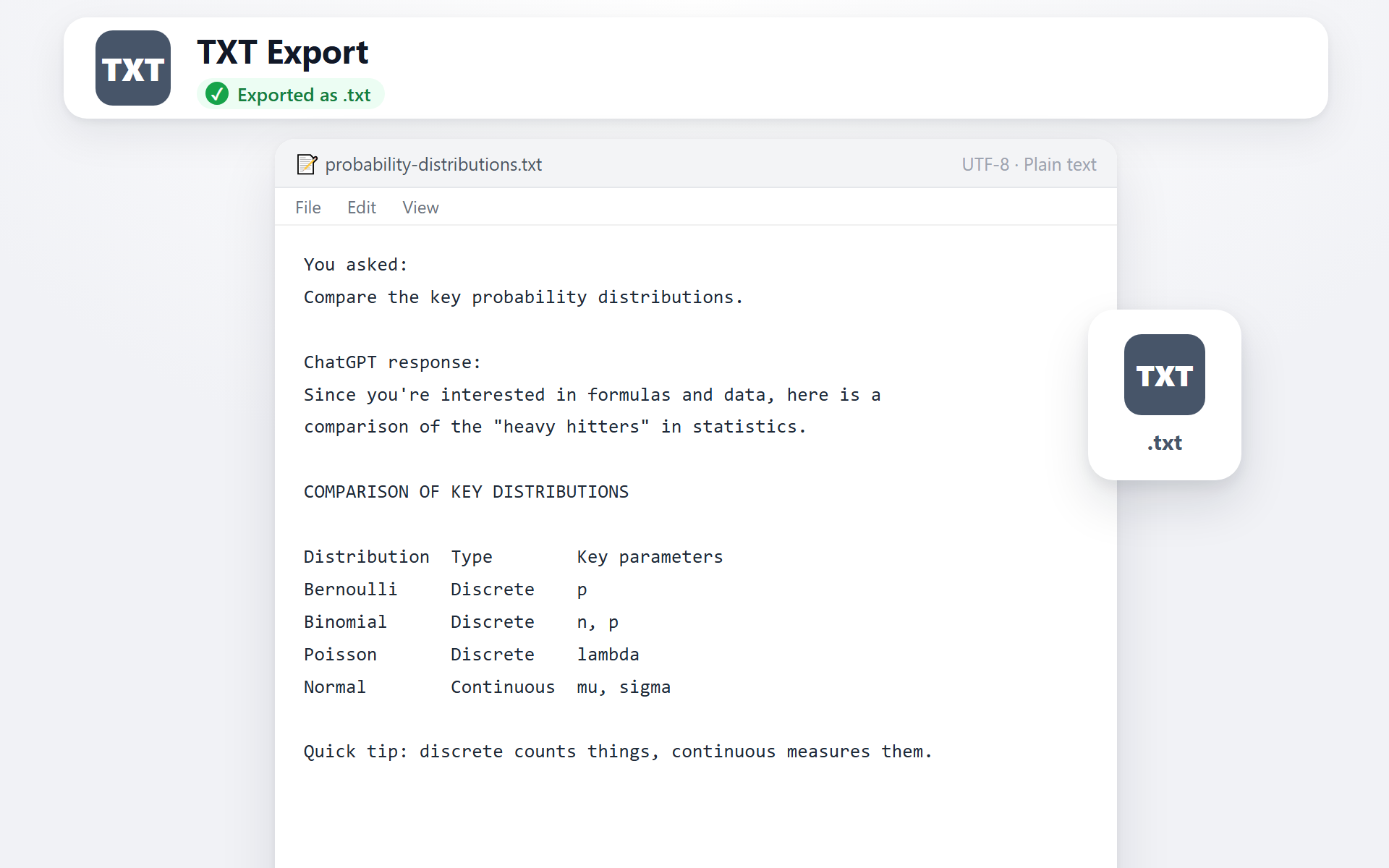
Export as TXT
Save the chat as a clean .txt file — just the words, no formatting. It opens in any text editor on any device and is easy to search, paste or archive.
- ✓ Plain text, no markup
- ✓ Opens anywhere
- ✓ Optional “You asked / response” labels
- ✓ Light and searchable
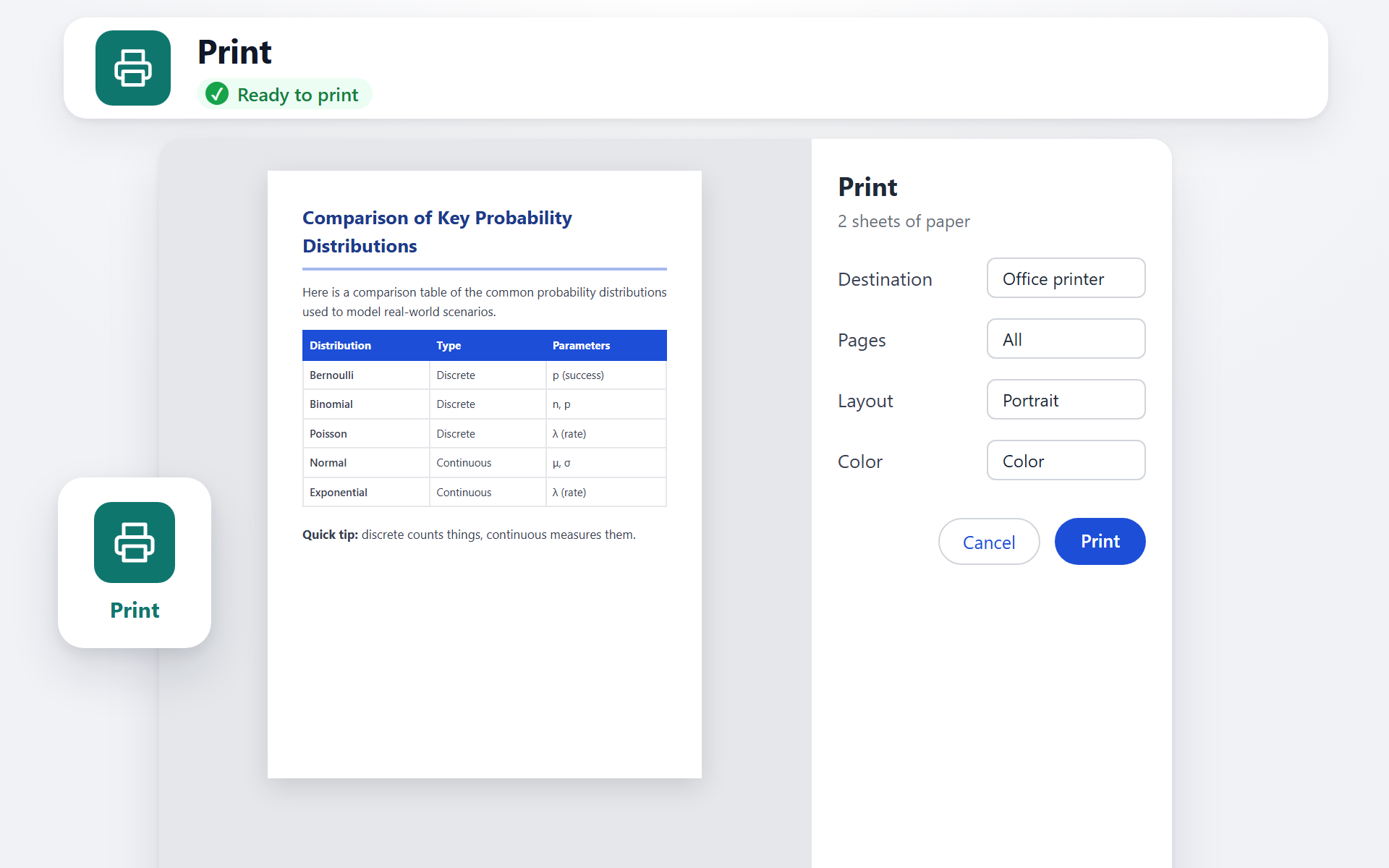
Print the conversation
Send the chat straight to your printer — or pick Save as PDF in the print dialog. Page breaks land in sensible places and your fonts and colors come along.
- ✓ Clean print layout
- ✓ Each exchange can start a new page
- ✓ Your fonts & colors
- ✓ No file needed
Simple, transparent pricing
Every extension starts free. Plus unlocks one extension; Pro unlocks all 9 with a single key.
Try it on your everyday chats.
Free plan, no card needed
- 3 full-chat exports / month
- 5 single-message exports / month
- All 6 export formats
- Math, tables & code kept
- Unlimited exports
- Works on all 9 AIs
Unlimited exports for the AI you use most.
$60 a year $72
- Unlimited exports
- All 6 export formats
- Math, tables & code kept
- For one AI of your choice
- The other 8 exporters
One key for every AI you use.
$90 a year $108
- Everything in Plus
- One key for all 9 exporters
- Unlimited exports on every AI
- ChatGPT, Claude, Gemini, Grok & more
Payments are securely processed by our Merchant of Record, Paddle or Lemon Squeezy, who handle billing, taxes, and invoicing. All prices are in USD. See our Refund Policy for our 7-day money-back guarantee.
Frequently asked questions
Which AIs are supported?
Nine at the moment: Grok (grok.com), Perplexity (perplexity.ai), DeepSeek (chat.deepseek.com), ChatGPT (chatgpt.com), Gemini (gemini.google.com), Google AI Studio (aistudio.google.com), Claude (claude.ai), Microsoft Copilot (copilot.microsoft.com), and NotebookLM (notebooklm.google.com). Each has its own dedicated extension.
Do I need to install all nine?
No. Each extension is independent — install only the one for the AI you actually use. You can also install all nine if you switch between them.
Is my data safe?
Markdown and JSON are built inside your browser and never leave it. PDF, Word, Google Docs, Notion and Print go through our server: it builds the file (or passes the page on to Notion), returns it to you and deletes it — the conversation itself is not stored. For each export we record the time, format, file name, account, IP address and browser; that log is what the monthly allowance counts.
Do I need a Google account to export to Google Docs?
Yes, for Google Docs export you'll need to sign in with your Google account so the document can be saved to your Drive. Word and PDF exports work without signing in.
Are the extensions free?
Yes — all nine extensions are free to install from the Chrome Web Store.
Pick the AI you use and start exporting today
Nine extensions. One workflow. Zero copy-paste.
Browse all extensionsAvailable on Chrome Web Store