Export your
Gemini chats
in one click
Save full conversations or selected answers as Word, PDF, Google Docs, Notion, or Markdown — directly from Google Gemini. No copy-paste, no hassle.
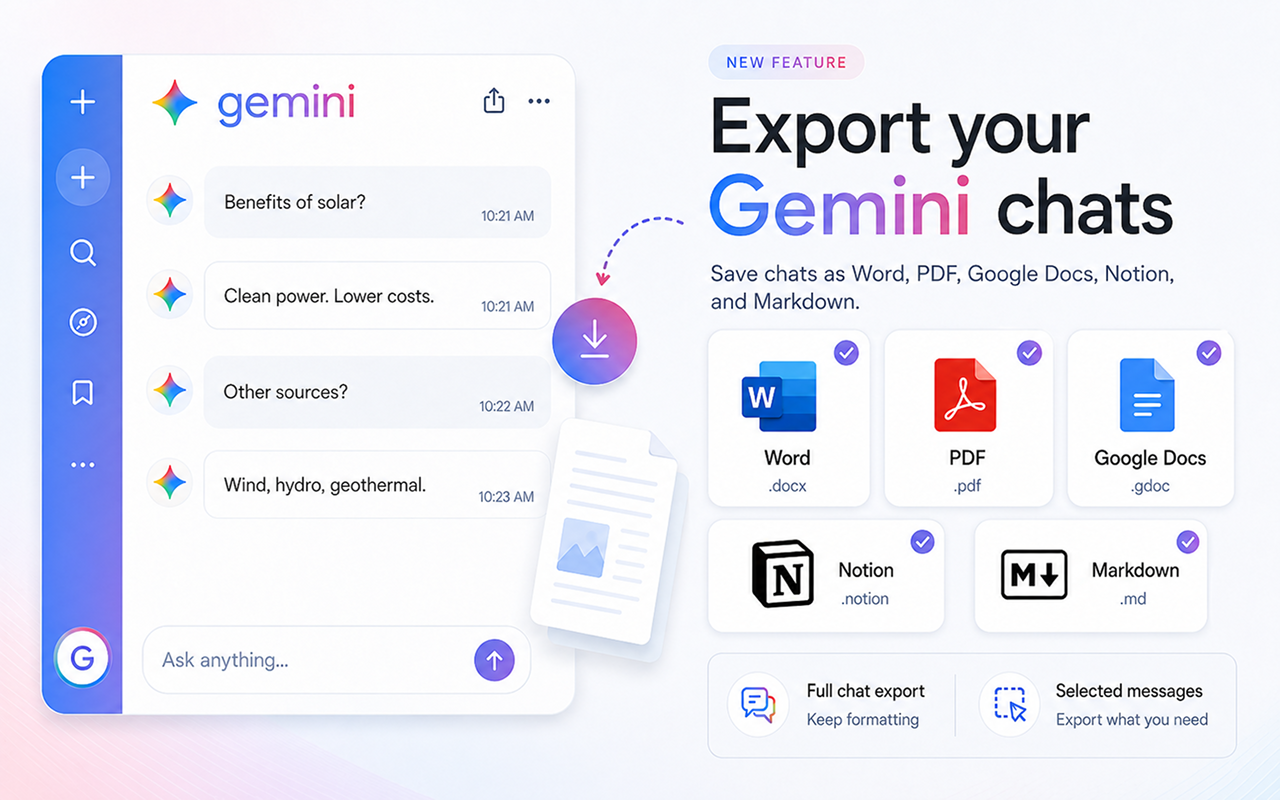
Supports all major formats
Everything you need to save your Gemini chats
Powerful export tools built directly into Gemini's interface.
Full Chat Export
Export your entire Gemini conversation history with perfect formatting — headings, bold text, code blocks, and lists all preserved.
Selected Messages
Pick only the messages that matter. Export a specific answer or a subset of your conversation without any extra clutter.
Customize Style
Adjust fonts, colors, heading sizes, text alignment, and more through the advanced settings panel before exporting.
One-Click Export
Six export buttons appear right in the Gemini interface. Click once and your chat is saved instantly — no extra steps needed.
Up and running in seconds
Three simple steps to export any Gemini conversation.
Install the extension
Add Chat Exporter for Gemini to Chrome from the Web Store.
Open any Gemini chat
Navigate to gemini.google.com and open the conversation you want to export. The export buttons appear automatically.
Click to export
Choose Word, PDF, Google Docs, Notion, or Markdown. Your chat is exported instantly with full formatting preserved.
Six formats. Perfect output every time.
Your Gemini chats, beautifully formatted exactly where you need them.
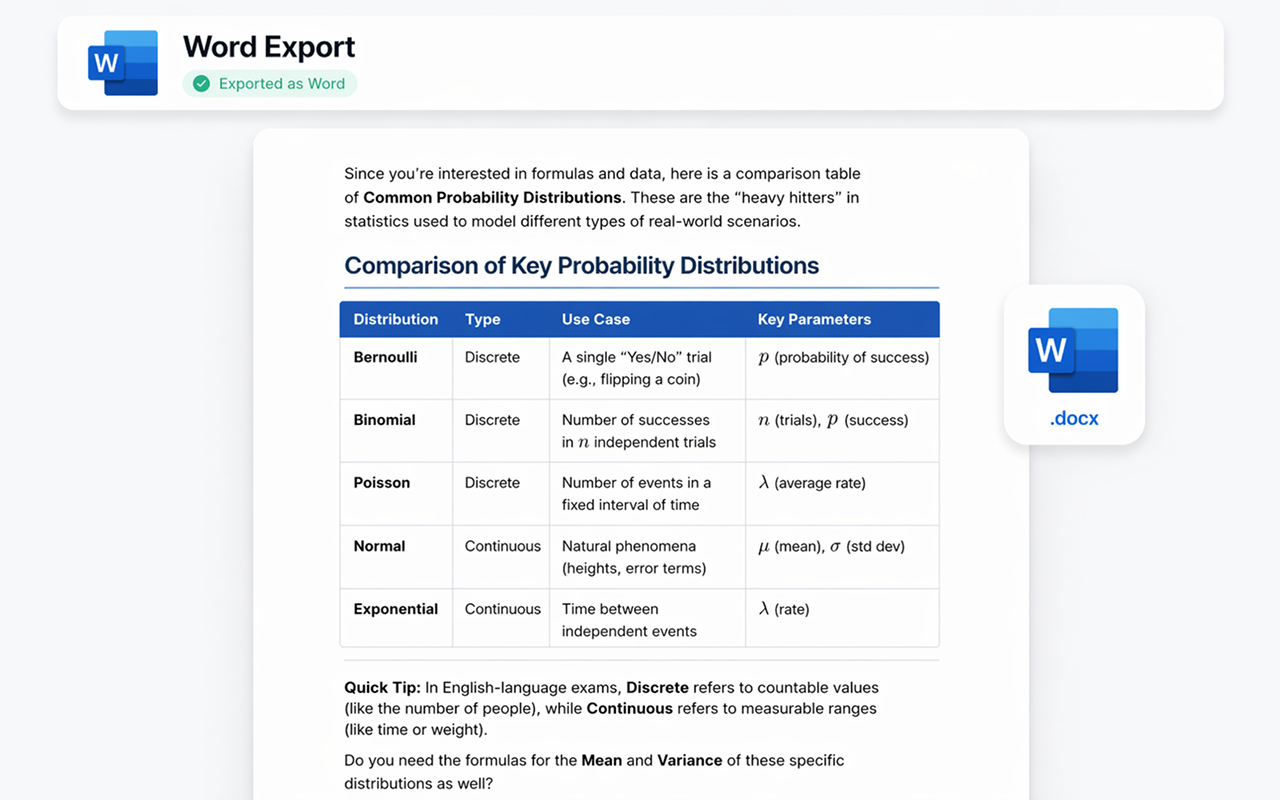
Export as Microsoft Word
Your Gemini conversation becomes a professionally formatted .docx file. Headings, bold text, tables, and code blocks are all preserved — ready to edit, share, or print.
- ✓ Full formatting preserved
- ✓ Editable .docx file
- ✓ Custom fonts & colors
- ✓ Instant download
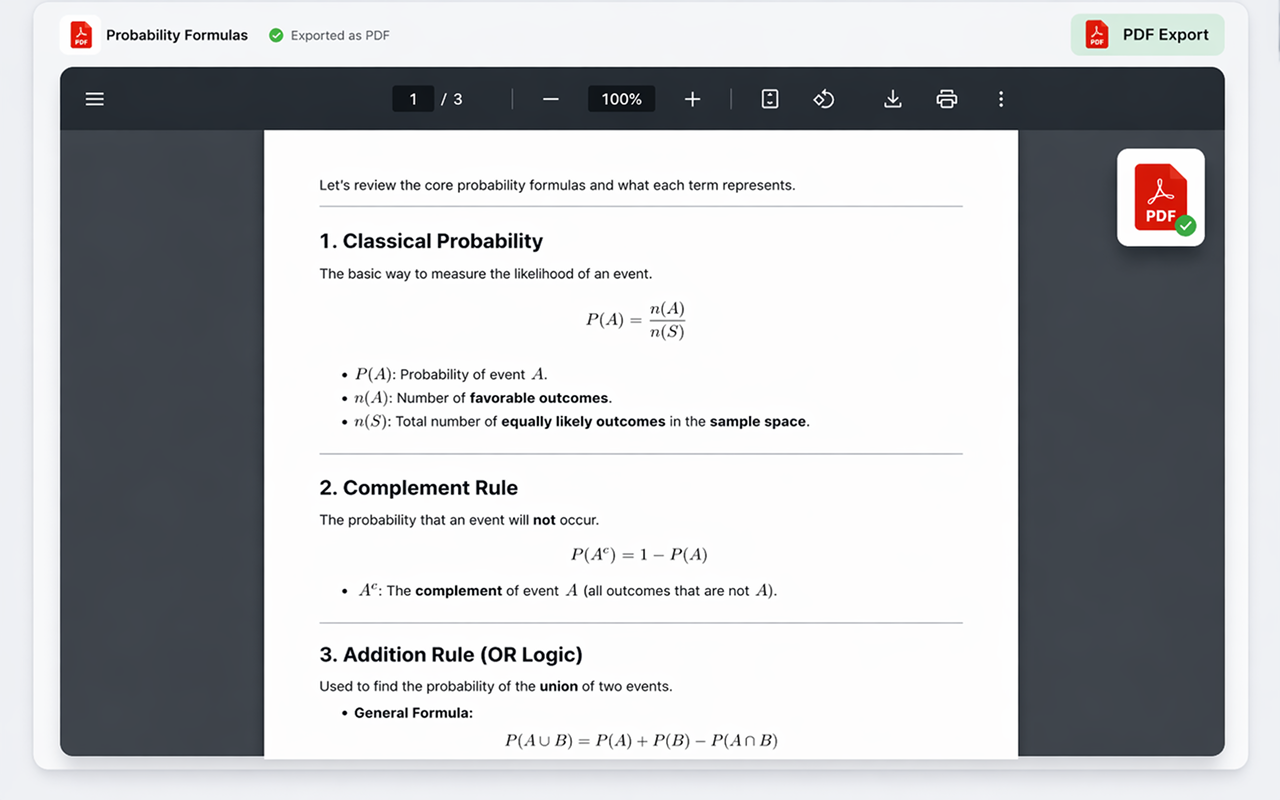
Export as PDF
Generate a pixel-perfect .pdf ready for sharing, printing, or archiving. The layout and formatting stay exactly as you see them in Gemini — no surprises.
- ✓ Print-ready quality
- ✓ Faithful layout
- ✓ Multi-page support
- ✓ Instant download
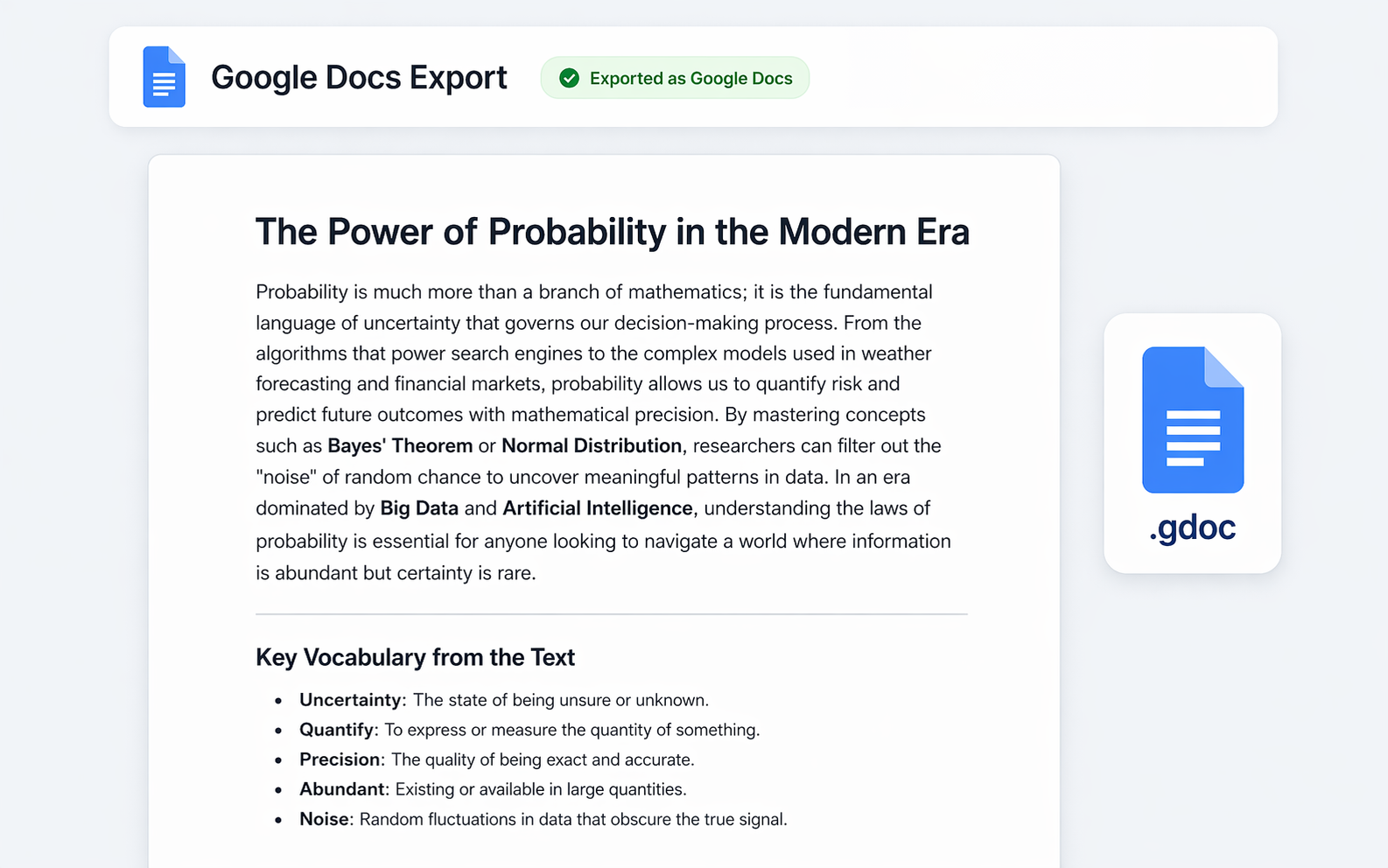
Export to Google Docs
Send your Gemini conversation straight to Google Drive as a collaborative document. Perfect for teams, students, or anyone living in the Google ecosystem.
- ✓ Saved to Google Drive
- ✓ Fully editable
- ✓ Easy to share
- ✓ Works with your account
Export to Notion
Push your Gemini conversation directly into your Notion workspace as a new page. Headings, toggles, code blocks, and lists all become native Notion blocks — ready to drop into any database or doc.
- ✓ Native Notion blocks
- ✓ Code blocks with language
- ✓ Choose target page or database
- ✓ Connect once, export anytime
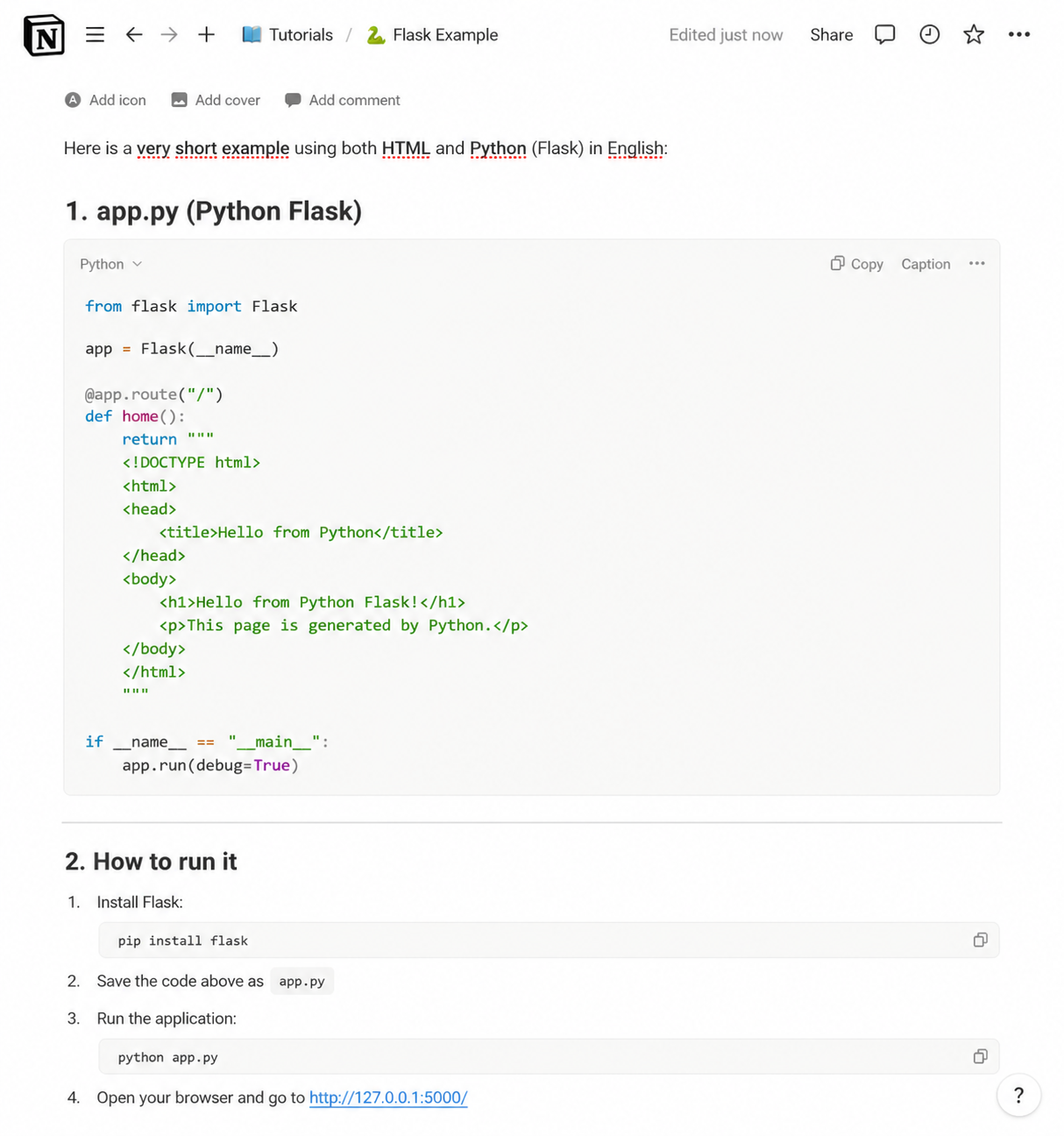
Export as Markdown
Get a clean .md file with all the structure intact — perfect for GitHub, Obsidian, VS Code, static-site generators, or any tool that speaks Markdown.
- ✓ Clean, portable .md file
- ✓ Fenced code blocks
- ✓ Works with Obsidian, GitHub, etc.
- ✓ Copy-to-clipboard option
Export as JSON
Download the chat as structured .json in standard API message format (role and content). Perfect for developers building datasets, data pipelines, or fine-tuning AI models.
- ✓ Standard message format
- ✓ Role & content preserved
- ✓ Great for datasets & pipelines
- ✓ Ready for fine-tuning workflows
Fine-tune every export
Use the advanced settings panel to customize fonts, text sizes, heading colors, alignment, and which export buttons are visible. Make every export match your style.
Get the Extension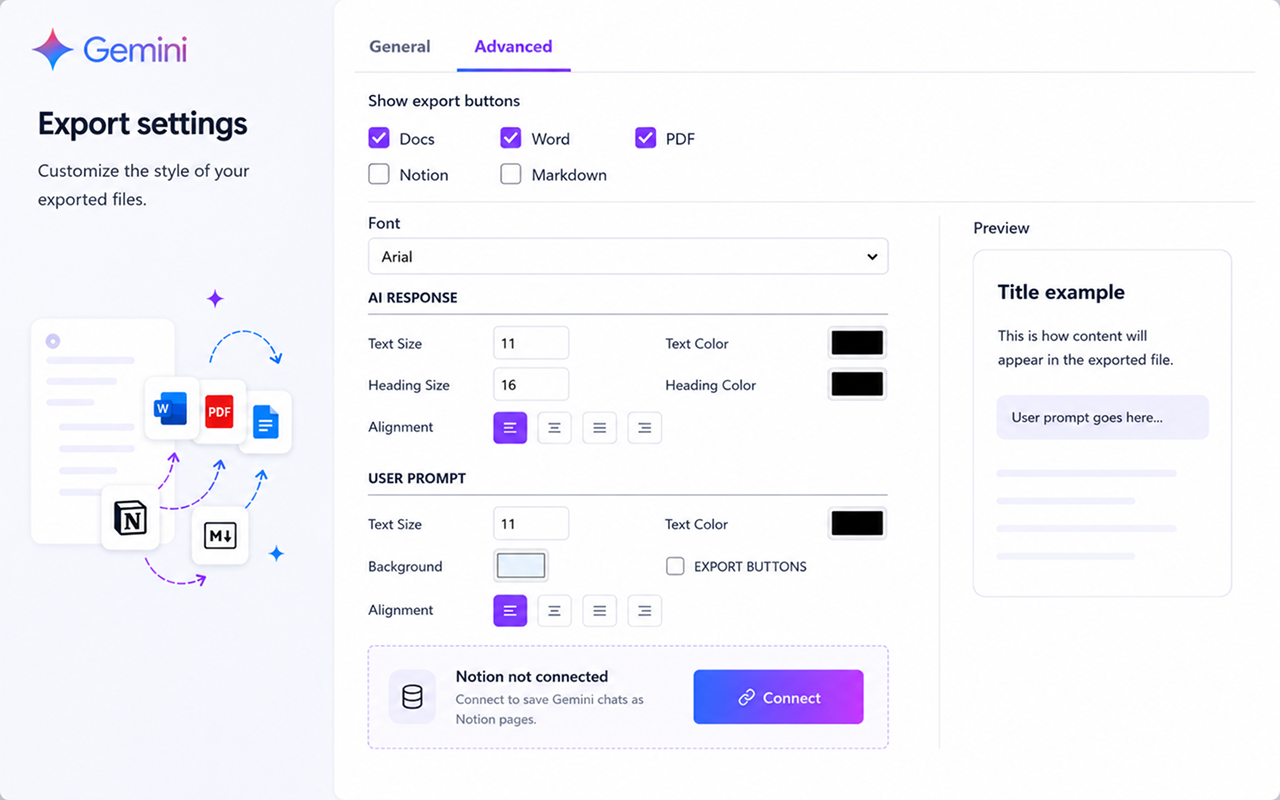
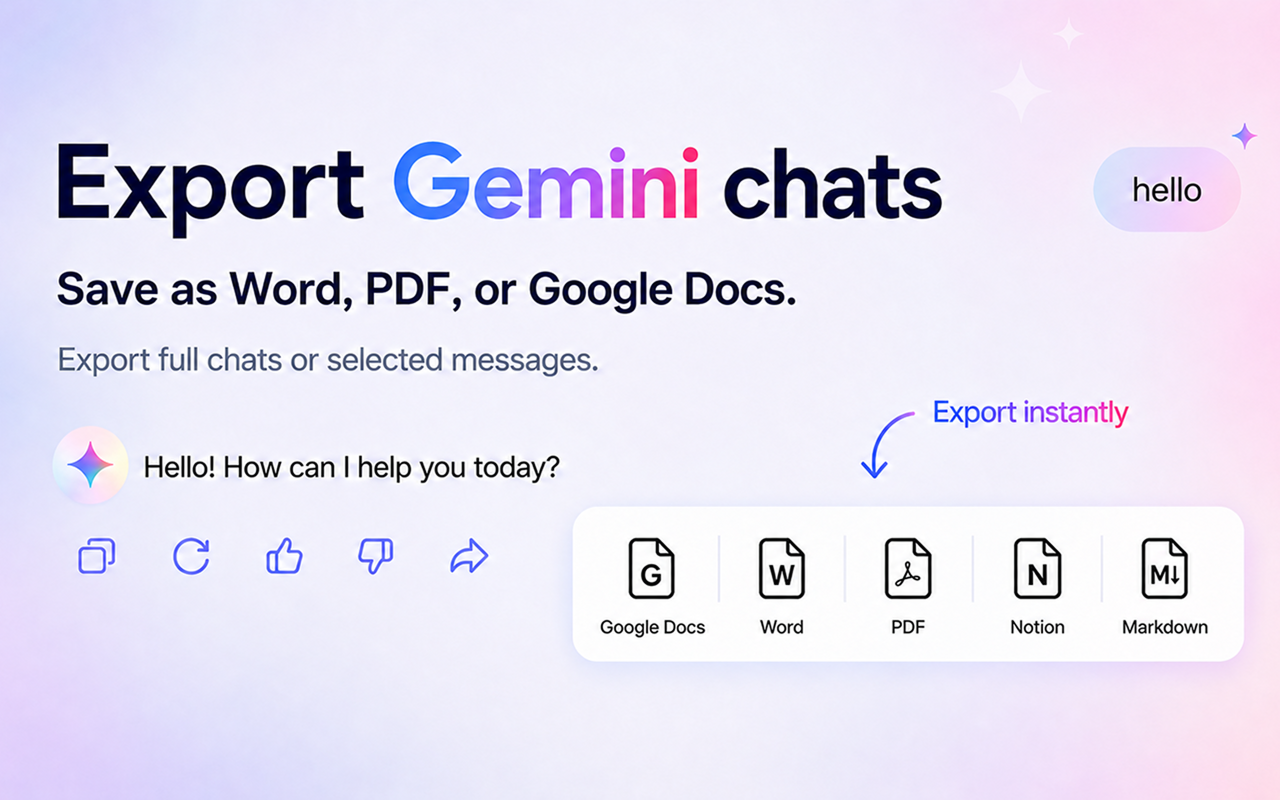
Export buttons appear right in Gemini
No need to leave the page or open extra menus. Chat Exporter for Gemini adds subtle export buttons directly inside each Gemini response. Just click the format you want.
The part most exporters miss: Canvas
Gemini puts long-form work in a separate Canvas panel. Selecting and copying that panel by hand is where most exports fall apart.
Canvas exports with its own button
When Gemini opens a Canvas document, a dedicated export button appears inside the Canvas toolbar. The document exports as itself, with its structure intact, not as a screenshot of a panel.
KaTeX maths becomes an equation
Gemini renders maths with KaTeX. We convert it into a native Word or Google Docs equation object, so it stays sharp at any zoom and remains editable.
Works the same inside Gems
Custom Gems export exactly like standard conversations, with no separate configuration.
Sources and citations kept
When Gemini grounds an answer in search results, the linked sources travel with the exported document instead of being silently dropped.
Frequently asked questions
Does it work with all Gemini conversations?
Yes! The extension works on gemini.google.com and integrates seamlessly with all your existing and new conversations — including Gemini, Gemini Advanced, and Gems.
Is my data safe?
Absolutely. The extension processes everything locally in your browser. We never send your chat data to any external server.
Do I need an account for Notion or Google Docs?
For Google Docs you'll sign in once with your Google account so the document can be saved to your Drive. For Notion you'll connect your Notion workspace once. Word, PDF, and Markdown exports work without signing in.
Can I export only part of a conversation?
Yes! You can select specific messages to export instead of the entire conversation. Perfect for saving only the parts that matter to you.
Can I export a Gemini Canvas document?
Yes. An export button appears directly in the Canvas toolbar. The Canvas document exports with its headings, lists and code intact, separately from the surrounding chat.
Does maths export properly from Gemini?
Yes. Gemini renders maths with KaTeX, which Chat Exporter converts into a native equation object in Word and Google Docs rather than a flat image.
Does it work with Gems?
Yes. Conversations with custom Gems export the same way as any other Gemini chat.
Simple, transparent pricing
Start free. Upgrade only when you need unlimited exports.
Monthly
Pay as you go, cancel anytime
- Unlimited exports
- All export formats
- Priority support
3 Months
$7.00/mo — save 13% vs monthly
- Unlimited exports
- All export formats
- Priority support
6 Months
$6.50/mo — save 19% vs monthly
- Unlimited exports
- All export formats
- Priority support
Yearly
$5.75/mo — save 28% vs monthly
- Unlimited exports
- All export formats
- Priority support
- 4 months free
Start exporting your Gemini chats today
Works instantly on gemini.google.com.
Add to ChromeAvailable on Chrome Web Store